Android channel
Diodos Android — the dashboard in your pocket
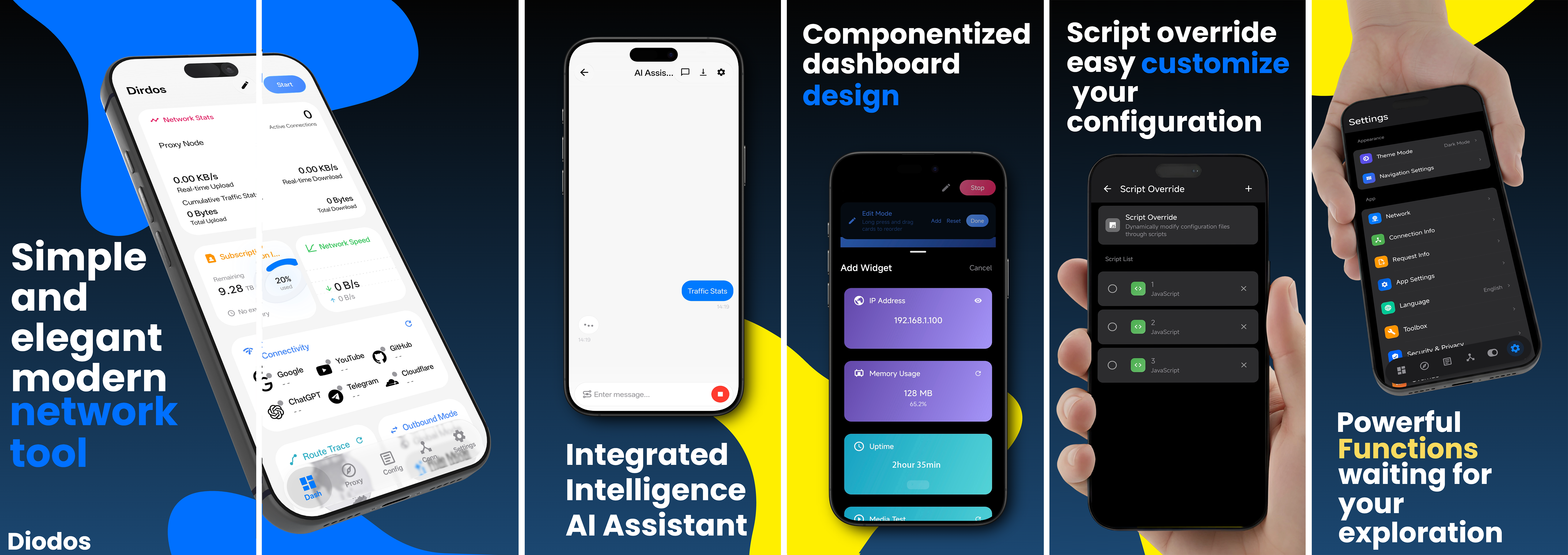
Diodos Android is the Android client of Diodos, also built on the Clash core: a componentized dashboard, an AI assistant, script overrides and subscription management. APKs are distributed straight from GitHub Releases.
01
Supported CPU architectures
Not sure which one to pick? Most phones released in recent years work with arm64-v8a. The universal APK is larger but runs on every architecture.
02
Released from its own repository
Diodos-Android
Diodos Android is developed and released in the separate Diodos-Android repository; its versioning and release cadence are independent from the desktop builds. The APKs are not distributed through app stores, so always get them from the GitHub Releases page.
Visit the Diodos-Android repository03
Installation steps
-
1
Download the APK
Tap “Download latest APK”, or pick the build matching your device architecture on the Releases page.
-
2
Allow the install
On first install Android asks about “unknown sources”. Allow the browser or file manager you are using to install the app.
-
3
Import your config
Open the app and import your subscription link or configuration — proxies, rules and modes work just like on desktop.
Need Diodos on the desktop too?
Installers are available for Windows, macOS and Linux — up and running in minutes.
This is an Alpha release. Things move quickly — feedback on GitHub or Telegram is welcome.